
Pre-pay Credit
As a Transglobal Express account holder, you can use our "pre-pay credit" facility to add credit to your account in advance of making a booking. We've added this feature to save you time, and to make budget management easier for our business customers.
Add as much or as little credit as you like - it will never expire. You can then use your credit whenever you place an order, without having to go through Adyen or PayPal every time.
Adding pre-pay credit is simple. Just follow these easy steps.
(Please note: not currently available for credit account holders.)
Adding Pre-pay credit to your account
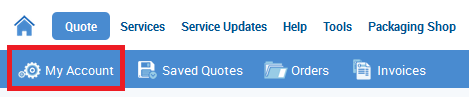
- Login to www.transglobalexpress.co.uk and click "My Account".
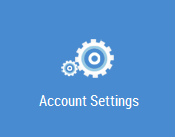
- Click on the "Account Settings" option. (Please note only Full Owners have access to this; additional "Read Only" users do not.)
- Scroll down to "Available Credit" and click the "Add Credit" button.

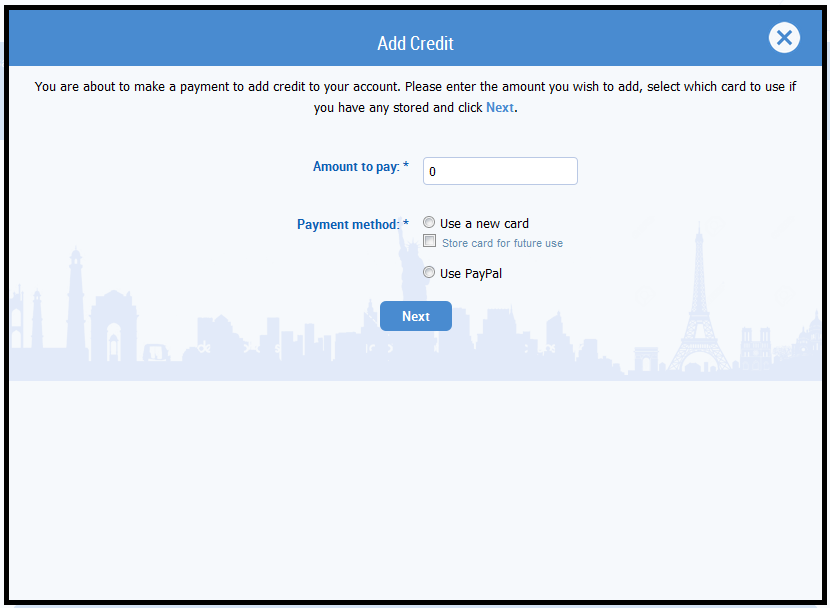
- In the pop-up window, enter the amount of credit you wish to add. For payment method, select either an existing card, a new card, or PayPal.
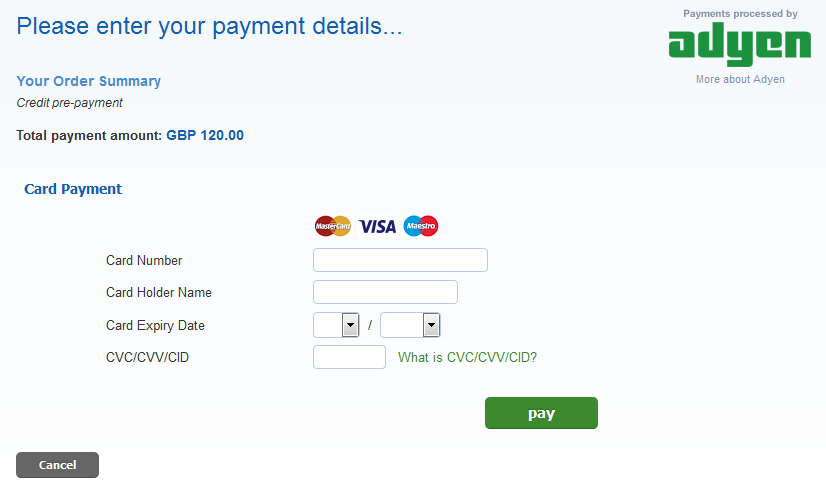
- Enter your card details into our Payment Gateway.
- Once completed you will be returned to your account. Your available credit will now be updated.

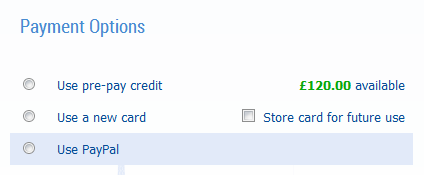
- At the payment stage of your order (Order Overview) you now have the option to use your pre-pay credit.




Be the first to know about the latest services